
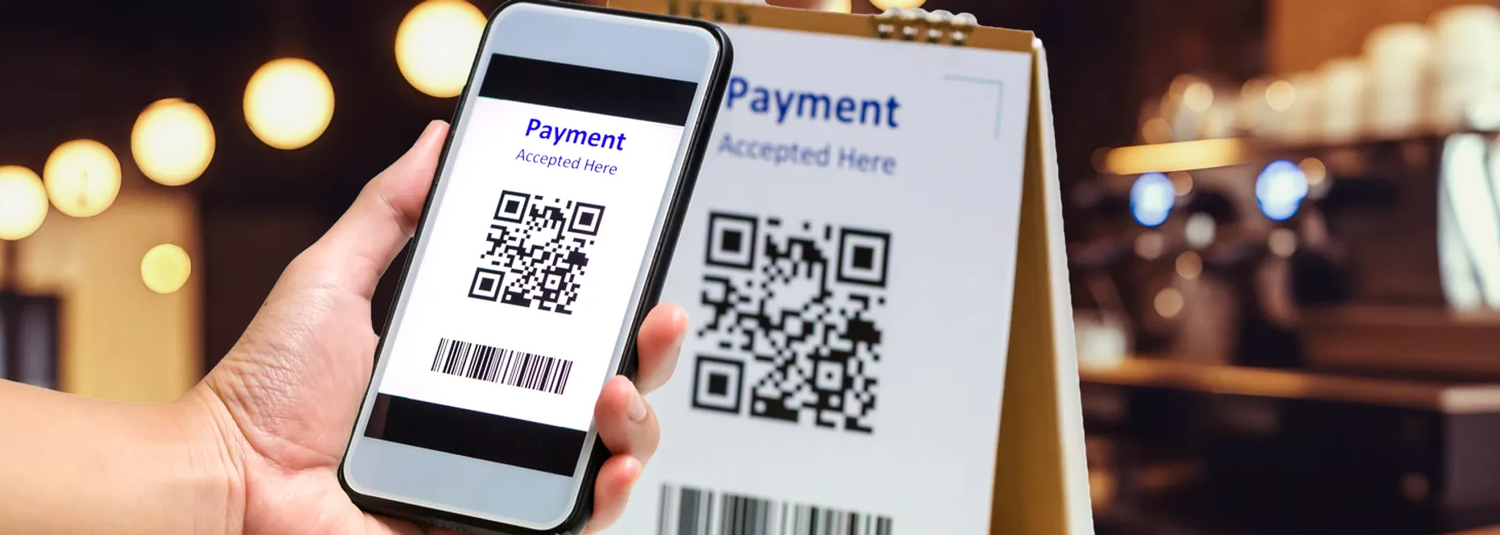
Google Pay - A Smarter and Safer Way to Pay with Mawarid Cards
Google Pay provides a simple, secure, and convenient way to manage payments and savings
Getting Started with Google Pay:
- Download the Google Pay app from App Store or Play Store
- Choose your Google Account and follow setup instructions
- Explore features like rewards and easy contactless payments
How to Add Your Mawarid Card as Default Payment Method:
- Add your card during checkout or using the + icon in the app
- To add more cards, open Wallet → Payment Methods
- Complete verification for secure contactless payments
- Your Mawarid card is now ready for tap-to-pay transactions
Security Features
Information Protection
Strong built-in protections replace your real card details.
Purchase Visibility
Get instant notifications with transaction details.
Lost Device Security
Use Android Device Manager to lock or erase remotely.
Authentication Required
Fingerprint/face/PIN required before payment.
How to Use Google Pay
In stores: Hold your phone near the terminal — no need to open the app
In apps & online: Select Google Pay at checkout and confirm payment
Where You Can Use Google Pay
- Supermarkets
- Hotels
- Restaurants
- Popular retail stores
- Mobile apps supporting Google Pay
Quick access: open from lock screen or voice command