
Digital Solutions
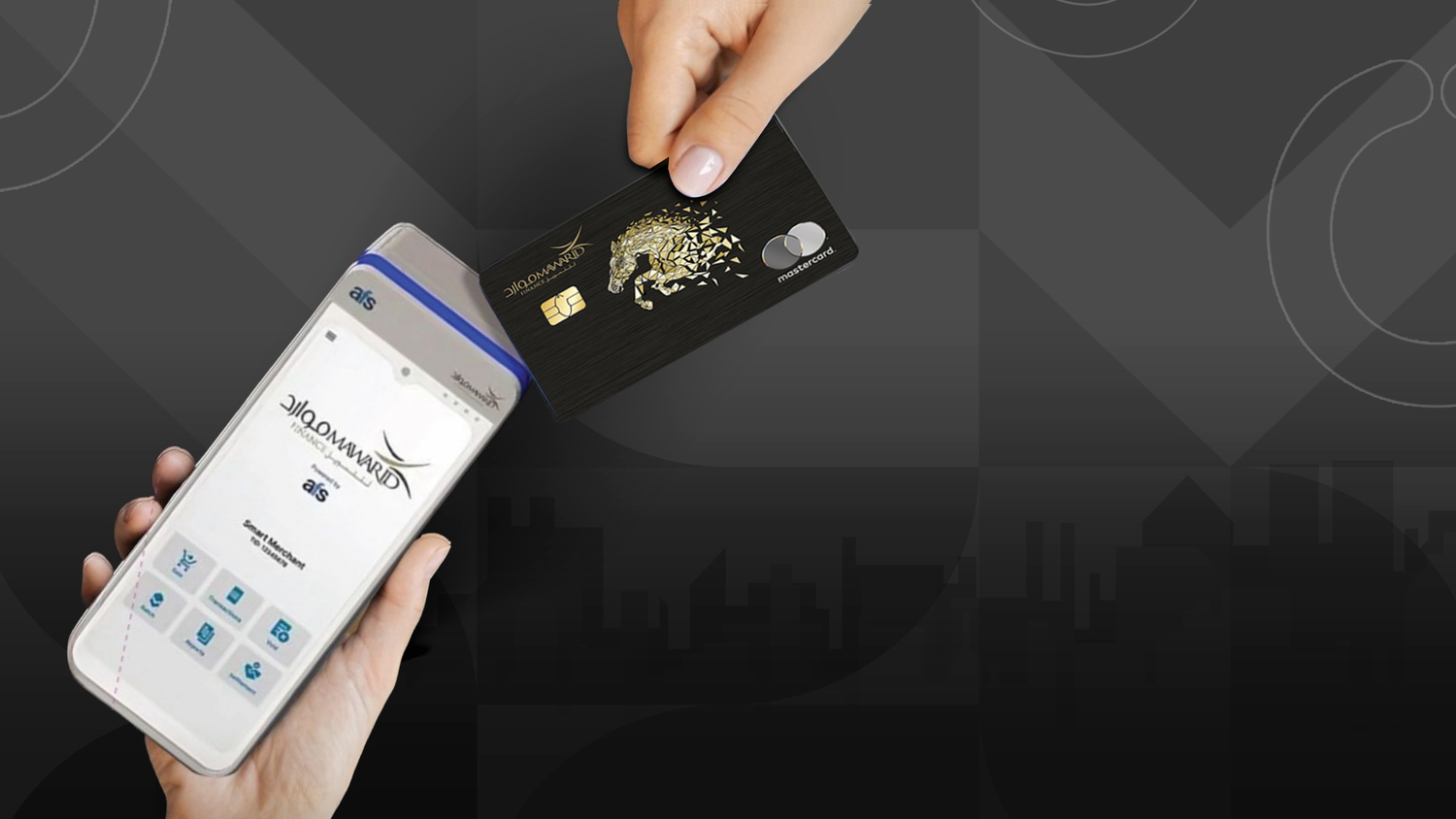
Mawarid POS
Mawarid's cutting-edge POS terminals are now available across retail outlets, stores, malls, and service providers, enabling merchants to accept seamless digital payments using all major credit and debit cards, as well as various digital wallets—delivering a faster, safer, and more convenient checkout experience for customers.

All-in-One Payment Acceptance

Shariah-Compliant Solutions

Faster Transactions

Secure & Reliable

Merchant & Customer-Centric
Google Pay
Google Pay – A Smarter and Safer Way to Pay with Mawarid Cards Google Pay provides a simple, secure, and convenient way to manage payments and savings. When you use your Mawarid Credit or Prepaid Card with Google Pay, you enjoy a streamlined payment experience—whether you're making everyday purchases, commuting, or shopping online. Google Wallet gives you fast and safe access to essentials, all from your phone. How to Add Your Mawarid Card as the Default Payment Method: Add your first card while making a purchase or tap the '+' icon on the home screen to add a card or account. To add more cards, tap your current default method or go to your profile and select Payment Methods. Follow the prompts, and complete any necessary account verification for added security. Once set up, you can begin using Google Pay for secure, contactless payments with your Mawarid card.

Apple Pay

Samsung Wallet
